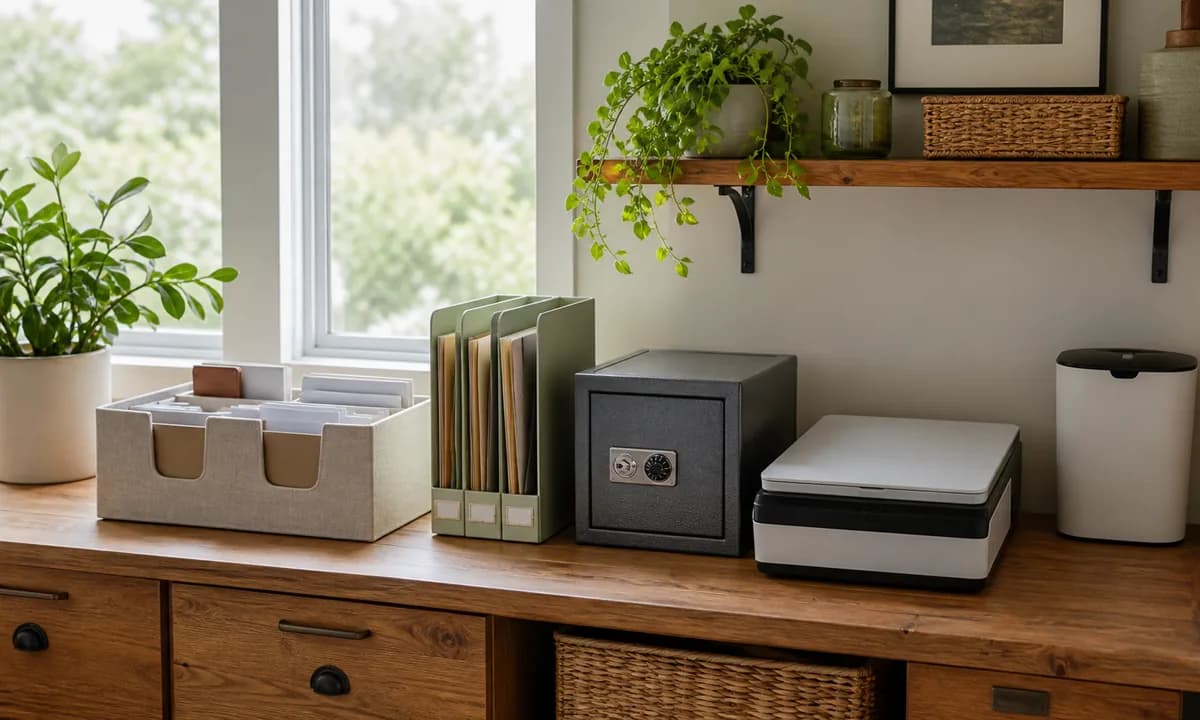
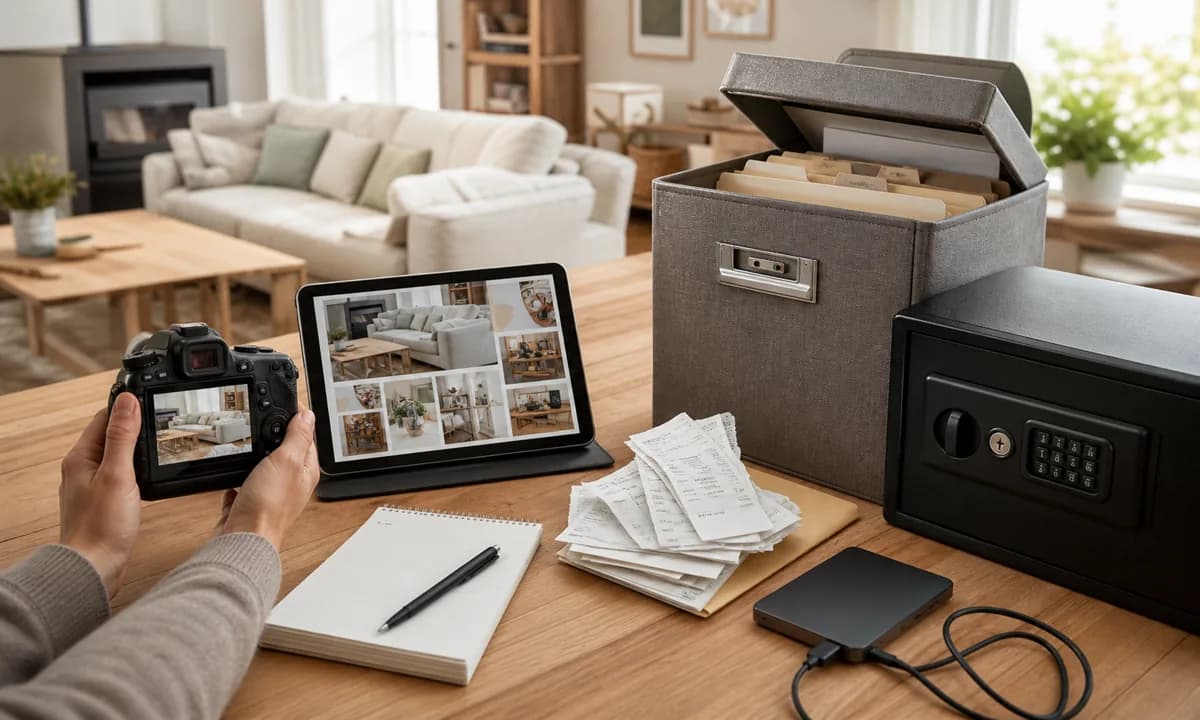
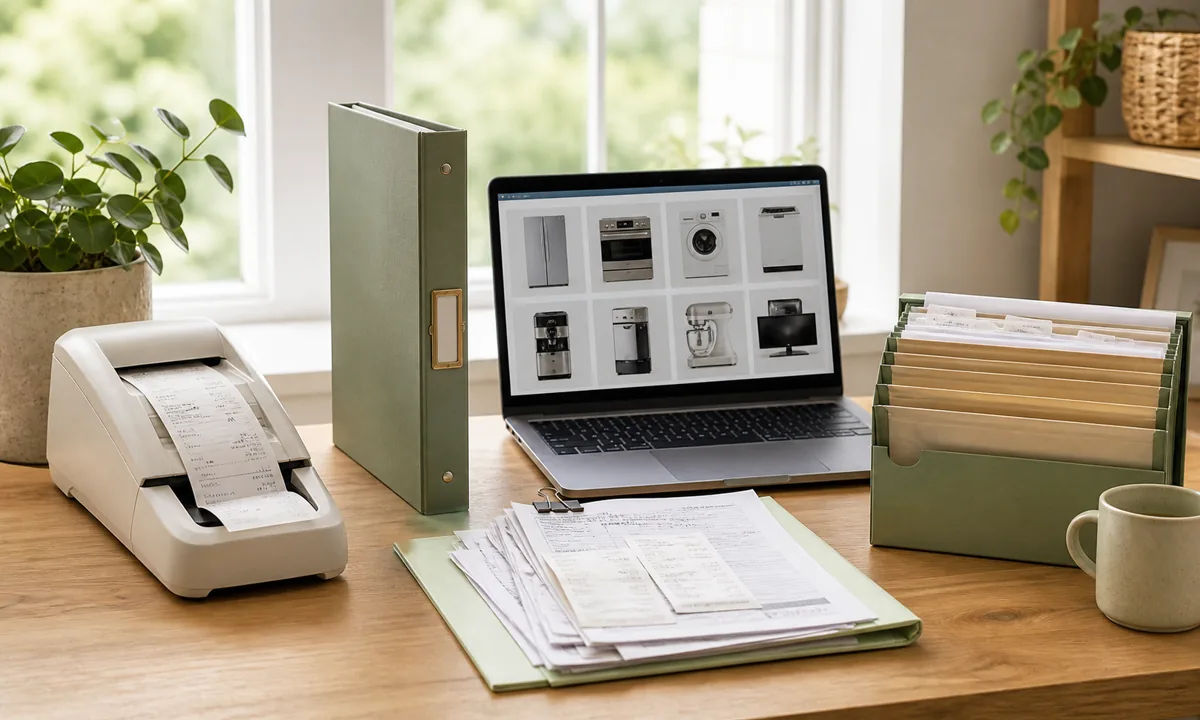
Password and Digital Document Organization for Household Emergencies
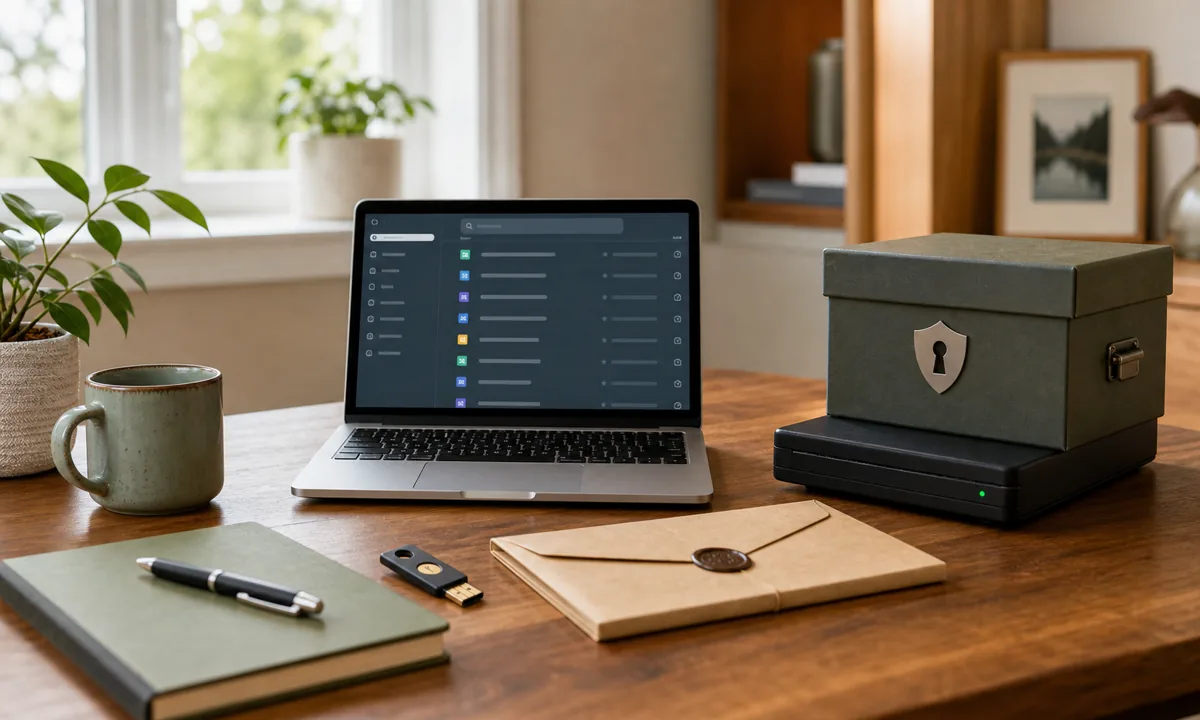
Table of Contents
- What Is Household Digital Access Organization?
- Before You Buy an Organizer
- A Step-by-Step System That Holds Up
- 1. Adopt a password manager
- 2. Strengthen the master account
- 3. Map essential services
- 4. Design authorized access
- 5. Protect recovery factors
- 6. Test the plan safely
- Choose Storage by Behavior, Not Appearance
- Build a Reset Routine You Will Actually Do
- Common Mistakes to Avoid
- Connect This System to the Rest of Your Home
- Frequently Asked Questions
- The Bottom Line
How should a household organize passwords and digital documents for emergencies? Use a reputable password manager with strong unique credentials and multifactor authentication, then document how an authorized trusted person can access essential accounts or recovery information when appropriate. Keep the plan secure, limited, current, and legally aligned.
Digital household knowledge often lives with one person: bills, utilities, insurance, device codes, cloud photos, and recovery email paths nobody else can reconstruct. Good organization is a small piece of household infrastructure, not a decorating project that has to be protected from real life.
This guide builds a practical system around organize passwords and digital documents without asking you to buy a matching set of bins or turn the room into a showroom. The aim is a calm, usable setup with clear limits, safe placement, and a reset routine that survives ordinary life.
What Is Household Digital Access Organization?
Household digital-access organization is a secure continuity plan for credentials, essential files, recovery methods, trusted contacts, and authorized emergency use. In practice, it means deciding what belongs in the category, placing it near the point of use, and giving it a visible physical limit. A useful system also makes exceptions obvious: rarely used, seasonal, fragile, confidential, or hazardous items should not be stored exactly like everyday supplies.
The aim is not sharing every password in a spreadsheet; it is creating controlled access and recovery without weakening daily security. That distinction matters because most clutter is not caused by a lack of effort. It grows when the home asks someone to make the same small decision again and again.
Before You Buy an Organizer
Start with a no-shopping audit. List essential household accounts and digital records without copying secrets into notes. Choose trusted tools and enable strong account protection. Seek appropriate legal or professional guidance for estate and authorization questions.
Measure the usable interior for household digital access organization—not merely the outside of the cabinet or closet—and note doors, hinges, pipes, outlets, vents, and walking clearance. Take one photo before moving anything. It becomes a useful reference when you decide whether the finished system is genuinely clearer or simply rearranged.
A Step-by-Step System That Holds Up
1. Adopt a password manager
Store unique credentials in a protected system designed for them. Reuse and loose notes create risk. Do this with the items already in the space before shopping for a container. That sequence exposes the true volume, prevents optimistic measuring, and makes the final setup easier to maintain.
For adopt a password manager, set one visible boundary that suits household digital access organization: a shelf edge, drawer divider, basket, or labeled zone. If that boundary fills, edit the category instead of letting it spread into the next area.
2. Strengthen the master account
Use a strong unique credential and supported multifactor authentication. The central vault deserves the strongest protection. Do this with the items already in the space before shopping for a container. That sequence exposes the true volume, prevents optimistic measuring, and makes the final setup easier to maintain.
For strengthen the master account, set one visible boundary that suits household digital access organization: a shelf edge, drawer divider, basket, or labeled zone. If that boundary fills, edit the category instead of letting it spread into the next area.
3. Map essential services
Document account purpose, provider, owner, billing, and recovery route without exposing secrets unnecessarily. Context helps continuity. Do this with the items already in the space before shopping for a container. That sequence exposes the true volume, prevents optimistic measuring, and makes the final setup easier to maintain.
For map essential services, set one visible boundary that suits household digital access organization: a shelf edge, drawer divider, basket, or labeled zone. If that boundary fills, edit the category instead of letting it spread into the next area.
4. Design authorized access
Use supported emergency-access or estate features where appropriate. A trusted person needs a legitimate path. Do this with the items already in the space before shopping for a container. That sequence exposes the true volume, prevents optimistic measuring, and makes the final setup easier to maintain.
For design authorized access, set one visible boundary that suits household digital access organization: a shelf edge, drawer divider, basket, or labeled zone. If that boundary fills, edit the category instead of letting it spread into the next area.
5. Protect recovery factors
Secure backup codes and recovery contact information separately. Recovery should survive a lost device. Do this with the items already in the space before shopping for a container. That sequence exposes the true volume, prevents optimistic measuring, and makes the final setup easier to maintain.
For protect recovery factors, set one visible boundary that suits household digital access organization: a shelf edge, drawer divider, basket, or labeled zone. If that boundary fills, edit the category instead of letting it spread into the next area.
6. Test the plan safely
Confirm that contact, export, and recovery procedures work without revealing credentials. A written plan needs verification. Do this with the items already in the space before shopping for a container. That sequence exposes the true volume, prevents optimistic measuring, and makes the final setup easier to maintain.
For test the plan safely, set one visible boundary that suits household digital access organization: a shelf edge, drawer divider, basket, or labeled zone. If that boundary fills, edit the category instead of letting it spread into the next area.
Choose Storage by Behavior, Not Appearance
The right container for household digital access organization depends on how often the category is used and what could damage it. This quick comparison keeps the purchase tied to a real job:
| Storage choice | Best for | Watch for |
|---|---|---|
| Password manager vault | daily unique credentials and secure sharing | master-account recovery |
| Secure emergency document | instructions and non-secret account context | controlled physical and digital access |
| Provider legacy feature | authorized account succession where offered | platform rules and periodic review |
For household digital access organization, buy only after measuring the edited category. Leave a little open capacity so putting an item away does not require perfect stacking. If a lid, latch, or nested box adds an extra step every time, reserve it for long-term or protective storage rather than daily use.
Build a Reset Routine You Will Actually Do
Daily: Save new credentials in the manager rather than memory. The reset should take less time than searching for one misplaced item.
Weekly: Review alerts, recovery data, and essential account changes. Use this check to return strays, wipe the surface, and notice whether one category is repeatedly overflowing.
Seasonally: Test emergency access and update trusted contacts. This is the moment to adjust capacity, donate usable extras, replace damaged protection, and update labels that no longer match the household.
Treat recurring trouble with household digital access organization as evidence, not a personal failure. If the same pile returns every week, move the storage closer, broaden an overly narrow category, or remove a lid that adds friction. A system should adapt to behavior instead of demanding constant willpower.
Common Mistakes to Avoid
Keeping shared passwords in an ordinary spreadsheet or email This usually creates a setup that looks finished but still requires too many decisions. Correct the category or location before adding another product.
Giving broad access when a narrow recovery path would work When access is awkward, people create a more convenient unofficial drop zone. Put the most-used items between knee and shoulder height and reserve inconvenient space for low-frequency supplies.
Building a plan once and ignoring changed devices or contacts Labels help only when they describe categories everyone understands. Use plain language, keep categories broad enough to scan quickly, and revise a label when the contents repeatedly disagree with it.
Connect This System to the Rest of Your Home
Your household digital access organization setup becomes easier when it supports the systems around it. Start with the small home-office organization guide if the wider room still needs a full reset. Then use the paper-clutter filing system to solve the nearest related storage problem instead of forcing unrelated items into this zone. For a whole-home sequence, the room-by-room organization framework helps you choose what to tackle next.
For safety or preservation decisions involving household digital access organization, follow the item label and local rules first. The Federal Trade Commission recommends protecting key paper and digital records with secure storage, strong passwords, multifactor authentication, and periodic review. The FTC guidance for important household documents is a reliable reference for the part of this project that goes beyond visual tidiness.
Frequently Asked Questions
Frequently Asked Questions
How should a household organize passwords and digital documents for emergencies?
What should I do first when organizing household digital access organization?
What type of organizer works best for household digital access organization?
How often should I reset household digital access organization?
What is the most common household digital access organization mistake?
The Bottom Line
The strongest plan gives the right person enough verified access at the right time without making the household less secure every day. Keep the first version modest, live with it for a week, and change the part that creates friction. A slightly imperfect system that gets used is more valuable than a beautiful one that depends on everyone behaving perfectly.
Join Organized Haven
Get weekly home organization tips, DIY décor ideas, and exclusive printables delivered straight to your inbox. Join 10,000+ homeowners today!
We respect your privacy. Unsubscribe at any time.
Written by Danilo Souza
Danilo Souza is a Home Organization Expert and Interior Decor Specialist with over 8 years of experience in transforming cluttered, stressful rooms into functional, peaceful, and beautifully designed living spaces. His practical, step-by-step methodologies empower homeowners to create lasting organizational systems that fit their lifestyle and budget.