How to Organize Paper Clutter and Bills
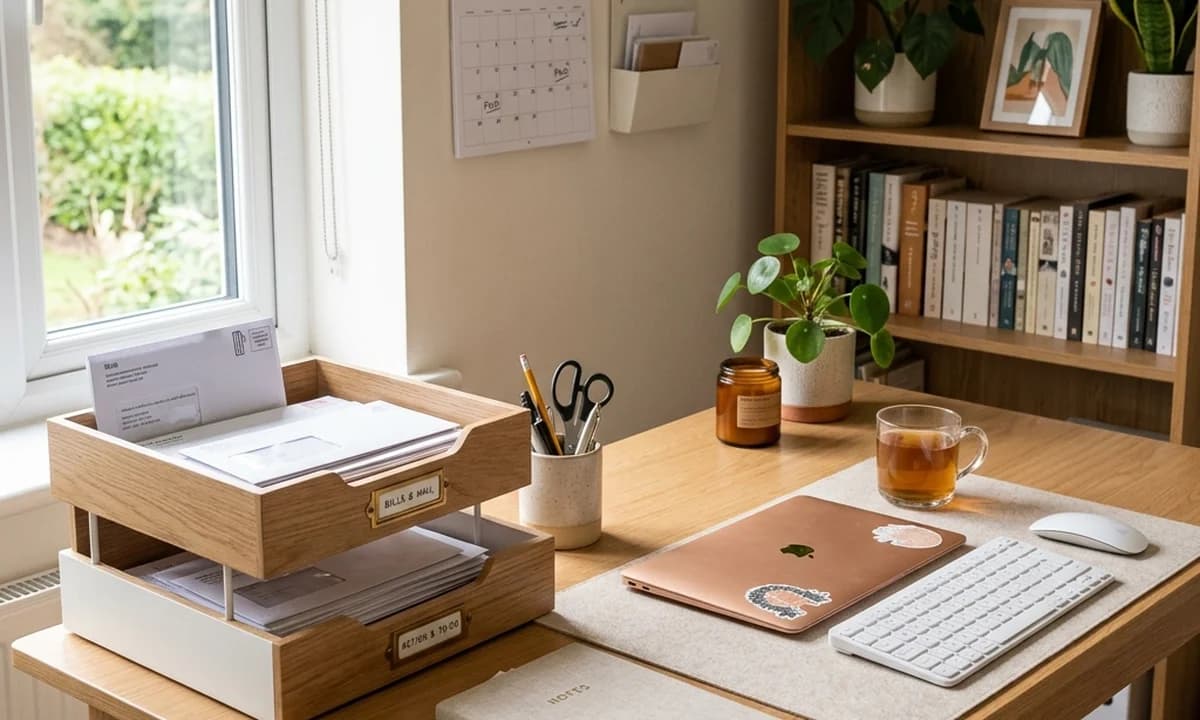
Table of Contents
What causes paper clutter to pile up? Not a lack of filing space—it is the absence of a decision-making rule for incoming paper. Every piece of mail that gets set down "just for now" stays. The fix is a zero-tolerance containment rule: all incoming paper goes to one physical inbox immediately, and that inbox gets processed on a fixed schedule. Without the fixed schedule, even a good inbox system accumulates into a pile.
Paper clutter piles up on kitchen counters, gets stuffed into drawers, and covers dining tables not because people are disorganized by nature—it is because paper has no obvious home without an explicit system to send it to. Mail gets set down, the pile grows, and by the time you notice it, the pile contains everything from a utility bill to a wedding invitation you already missed.
The system that eliminates paper clutter has three components: containment, processing, and automation. Each one removes a different failure mode.
Step 1: One Inbox, One Location, No Exceptions
The containment rule is simple: all paper that enters the house goes directly to one physical inbox. It does not go on the kitchen island, the dining table, or the coffee table. It goes to the inbox—a wooden letter tray, a wall-mounted wire file holder, or a desktop sorter—located either near the front door or at the home office desk.
This is not where paper lives permanently. This is where paper waits to be processed. The inbox can hold any amount of paper without creating visual chaos in the rest of the house because it is the one designated location where paper accumulation is acceptable.
The processing schedule: Once per week—Sunday morning works well for most people—sit with the inbox and process everything in it:
- Pay any pending bills
- RSVP to invitations
- Sign school permission slips
- Shred or recycle junk mail immediately
If you process the inbox every week without exception, it never accumulates more than 7 days of paper.
Step 2: The 3-Folder Filing System
When paper leaves the inbox processed, it goes to one of three destinations. This is the entire filing system:
Folder 1: Action / Pending Documents that need further attention but are not yet complete. An unpaid bill that is not due until next week, a form that needs a signature from a spouse, an insurance document requiring a follow-up call. This folder stays on or near the desk, visible.
Folder 2: Short-Term Archive (Current Year) Documents to keep for the active calendar year: medical bills being reconciled with insurance, receipts for home improvements (relevant for taxes), current utility contracts, and active warranty documents. A simple accordion folder by month works well here.
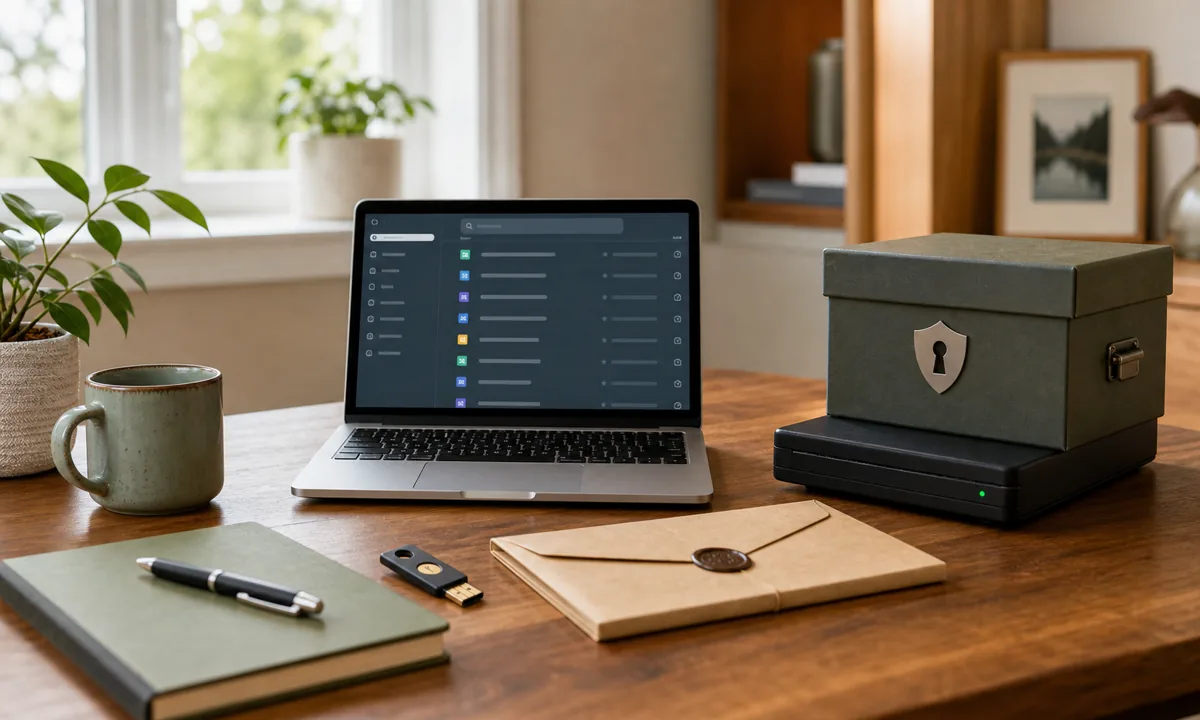
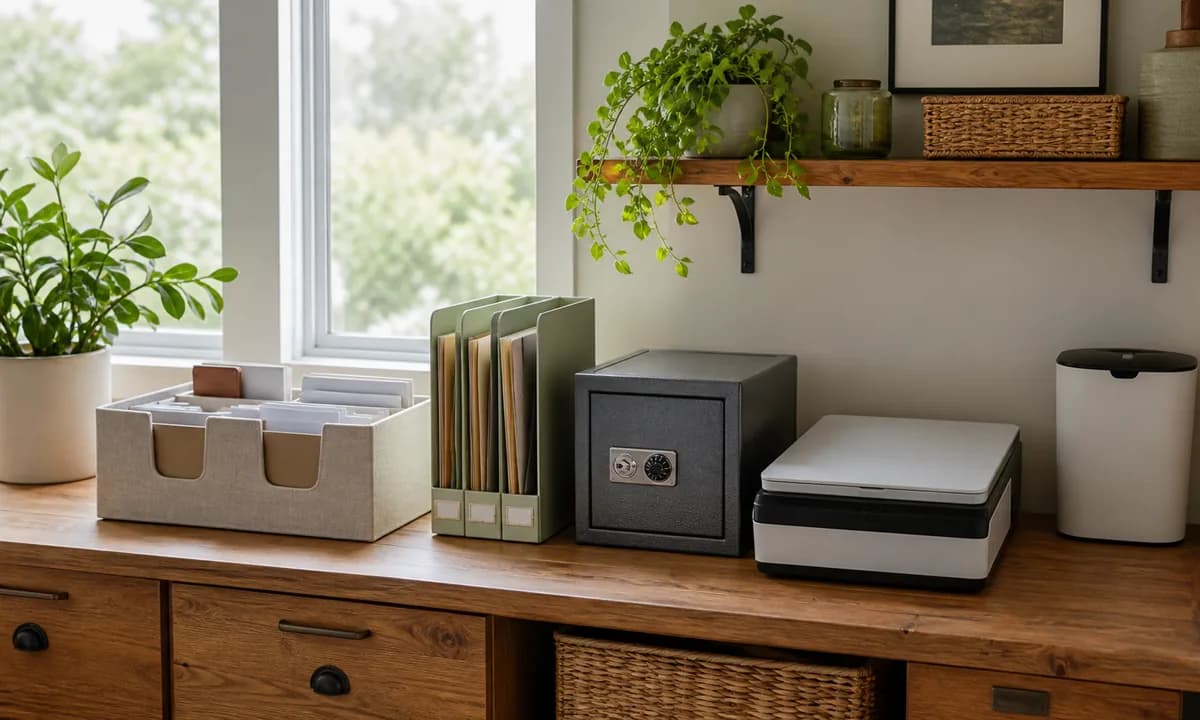
Folder 3: Long-Term Archive (Permanent) Vital records that must be kept indefinitely: birth certificates, marriage license, passports, property deeds, vehicle titles, social security cards, medical records, and wills. This folder must live in a fireproof and waterproof safe—not a filing cabinet drawer. A floor-mounted fireproof safe costs $40 to $100 and provides protection that no amount of careful organizing can substitute for.
Complex filing systems with 30 to 50 micro-categories require too much maintenance discipline to survive real household life. Three folders handle almost everything.
Step 3: Go Digital Wherever Possible
The fastest way to reduce paper clutter is to prevent paper from entering the house in the first place.
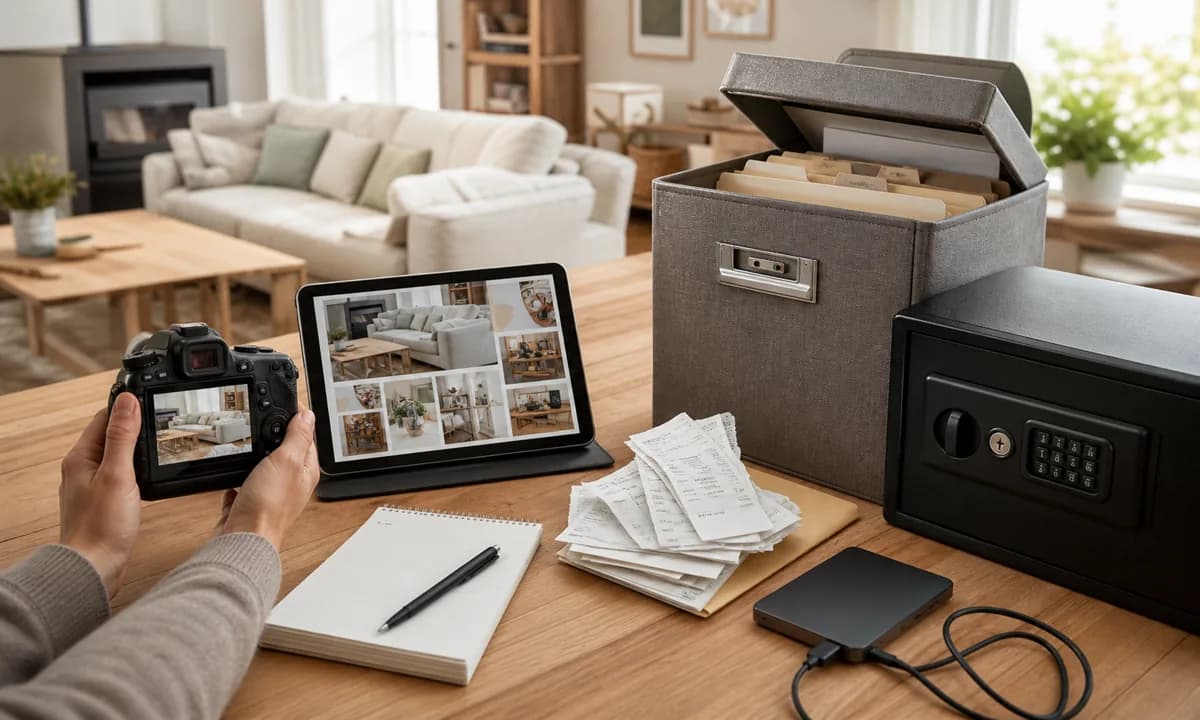
Scan receipts and manuals: A free scanner app on any smartphone (Adobe Scan, Microsoft Lens, Apple Notes' scan function) scans a receipt or warranty page in 10 seconds and saves it as a PDF to a folder in Google Drive or iCloud. The original paper gets shredded or recycled. The digital version is searchable by the product name or store within seconds—far faster than finding it in a physical folder.
Switch to paperless billing: Utilities, credit cards, bank statements, insurance documents—almost all of these offer paperless options. One hour spent switching all accounts to paperless billing eliminates 80% of the paper volume entering a household's mail. Set up automatic payments for fixed-cost recurring bills (utilities, subscriptions) to eliminate the bill-then-pay cycle entirely.
The combination of these two steps shrinks the remaining paper to genuinely important documents that require physical retention—primarily the items in Folder 3.
Frequently Asked Questions
How long should I keep physical bills and documents?
What is the best rule for handling mail when it arrives?
Do I need to keep paper appliance manuals?
Join Organized Haven
Get weekly home organization tips, DIY décor ideas, and exclusive printables delivered straight to your inbox. Join 10,000+ homeowners today!
We respect your privacy. Unsubscribe at any time.
Written by Danilo Souza
Danilo Souza is a Home Organization Expert and Interior Decor Specialist with over 8 years of experience in transforming cluttered, stressful rooms into functional, peaceful, and beautifully designed living spaces. His practical, step-by-step methodologies empower homeowners to create lasting organizational systems that fit their lifestyle and budget.